XNAT Projects
There are several different methods that you can use to upload files to XNAT. In order to make sure your files are properly organized and accessible to you and others working on your project, it is important to first create an XNAT project before uploading anything.
Note
All files uploaded to XNAT that you do not assign to a specific project will end up in the prearchive. The prearchive is accessible only to administrators, and so you will need an administrator's assistance to gain access to your files and to move them to the correct project.
Creating a New Project
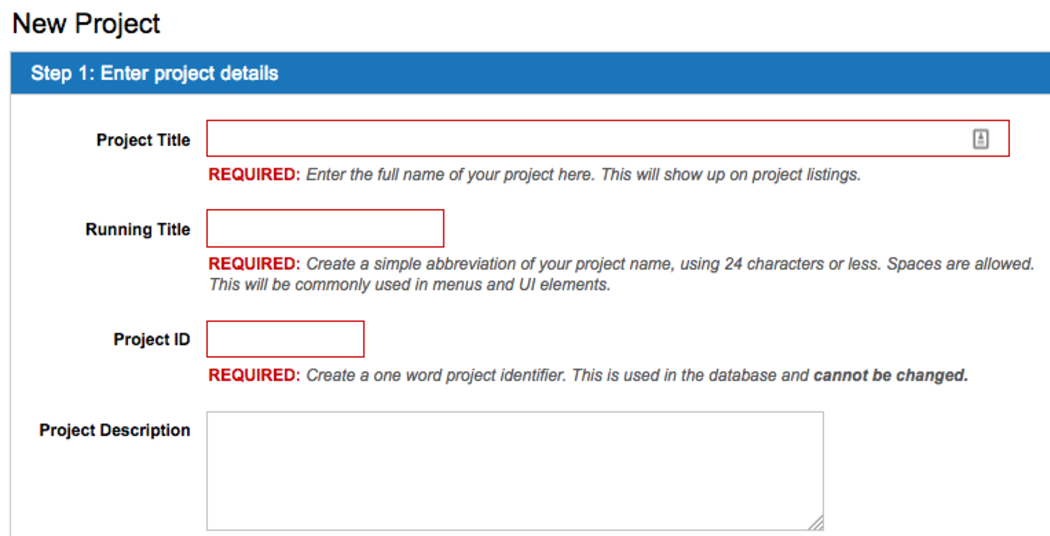
On the Home Page, click New >> Project from the dropdown menu to create a new project. After selecting the Project Title and an abbreviated version of your title for your Running Title, you will need to set a Project ID. Once set, this Project ID can never be changed, and will be used by XNAT and other programs to send files to your project and to reference your project for various other purposes.
You can also write a description for your project, assign searchable tags to it, or assign your project to a PI. None of these things are necessary, and all can be added or changed at a later time.
User Roles and Permissions
XNAT defines 3 common project roles: Owners, Members, and Collaborators. Project owners are able to add new users to a project and assign roles. Each different role has different permissions for data access:
| Role/Activity | Owners | Members | Collaborators |
|---|---|---|---|
| Create Data | C | C | |
| Read/Download Data | R | R | R |
| Update Data | U | U | |
| Delete Data | D |
User Permission Structure
- Project Owners can read, insert, modify, and delete anything (and everything) associated with your project. They can also add additional users to your project and modify the data types associated with your project.
- Project Members can manage the data in your project. They can read, insert, and modify subjects and experiments in your project. They cannot modify the project users and data types.
- Project Collaborators have read-only access on all of the data in your project. They cannot insert or modify data owned by your project. They can download your data and use it within their projects.
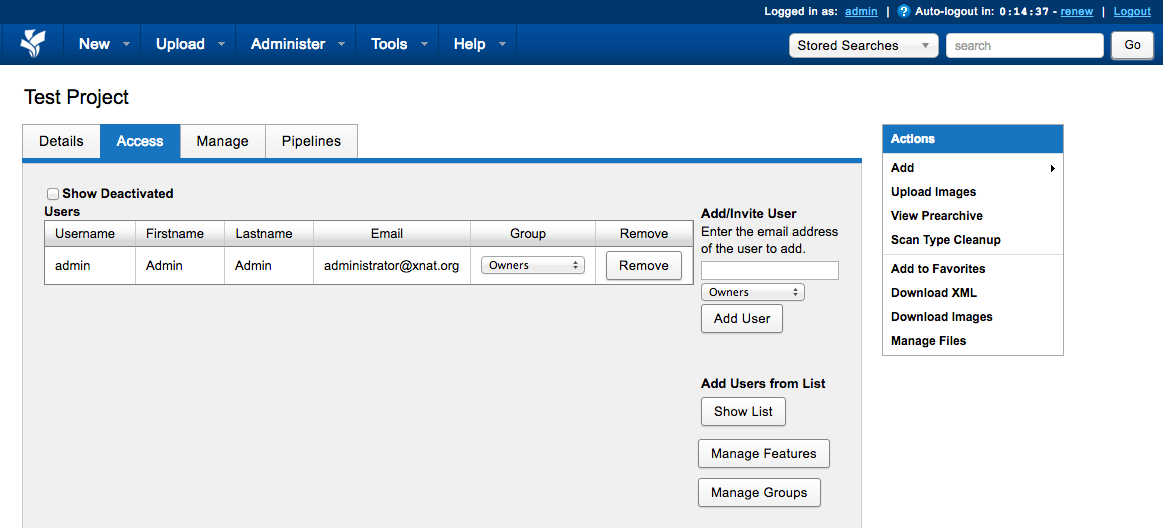
Managing User Access
Users can be added to your project and assigned roles using the Manage User Access Dialogue